Release 2503 (2.46): Table Filters, and Updated BitHide Logic When Billing Balance Is Empty
 1170
1170 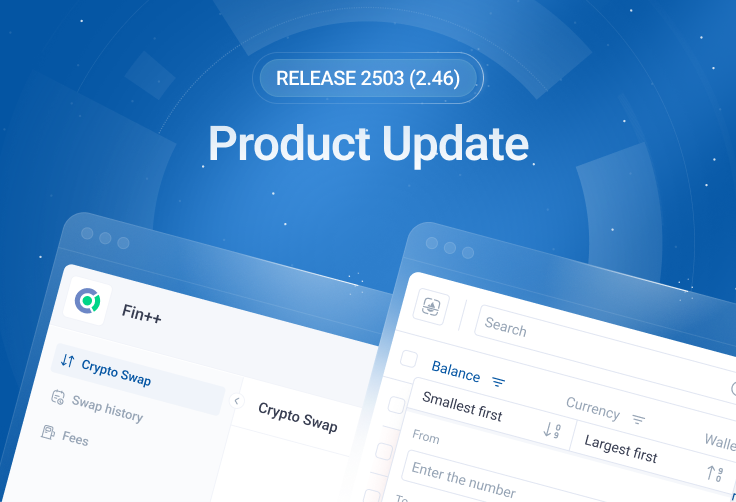
Welcome to BitHide Release 2503 (2.46) – starting with this update, we’re switching to a new versioning format! We’ve added new filtering and sorting options across key pages, and updated BitHide’s behavior when the billing balance is empty: the crypto wallet remains accessible, but certain operations are restricted until the balance is topped up.
BitHide Switches to a New Versioning Format
With this release, BitHide uses a new versioning system – Calendar Versioning (CalVer). The version number now reflects the release date.
Current version: 2503 (March 2025), next: 2504 (April 2025).
Filters and Sorting Added to Addresses and Reports Pages
Working with tables has become easier. You can now filter data by any column, sort the results, and – most importantly – all selected parameters are automatically saved and can be reset manually.
Filtering and sorting are available on the following pages:
- Addresses
- Transaction History
- AML Check History
- Synchronization History
- Proxy Payments
- Balance sheet
All standard data types are supported: text, numbers, dates, statuses, and currencies. This helps you quickly find the information you need.
To improve readability, we also updated column headers and their order.

Updated BitHide Behavior When Billing Balance Is Empty
Previously, when the billing balance was empty, access to the system was completely blocked. Now the crypto wallet remains accessible at all times:
- The BitHide interface stays available – you can log in and continue working.
- Withdrawal, exchange, and AML check operations are temporarily restricted and will be rejected until the balance is topped up.
- Billing top-up from within BitHide is always available. You can transfer funds to your billing account and restore full access.
This improvement helps quickly lift the restrictions and return to full wallet functionality after topping up the billing balance.
Updated User Permission Management
Instead of fixed roles, you can now flexibly assign permissions to employees based on their responsibilities.
What’s implemented:
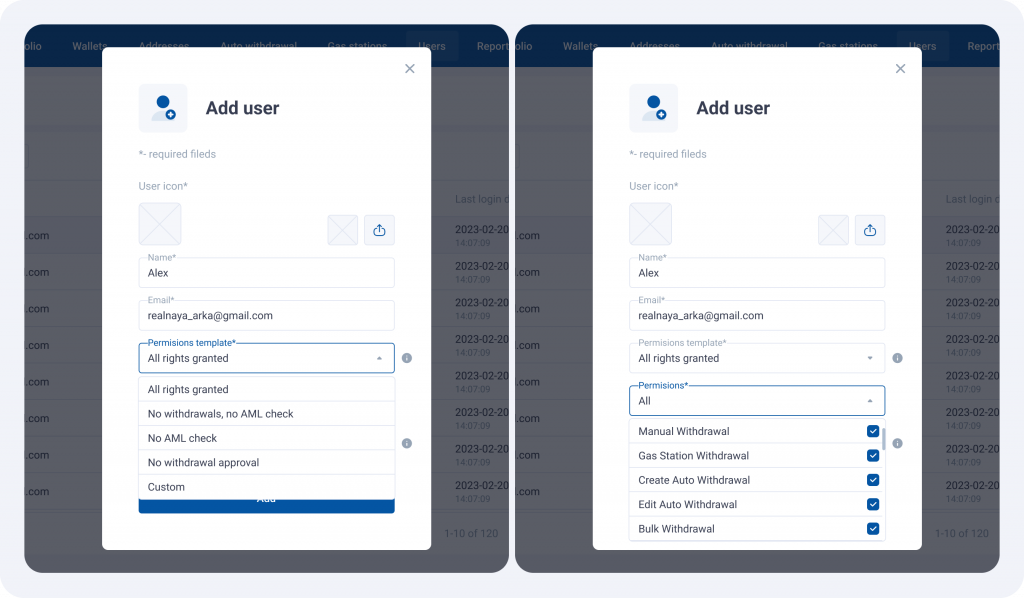
- When creating or editing a user, you can select one of the ready-made permission templates – such as “All rights granted”, “No withdrawals”, “No check AML” and others.
- After selecting a template, you can manually adjust the user’s permissions by ticking the necessary options in the “Permissions” dropdown.
- If the selected permissions differ from the template, it is automatically marked as Custom.
Thank you for staying with us! We continue to develop BitHide by adding new features and improving the tools you already know. See you in the next release!